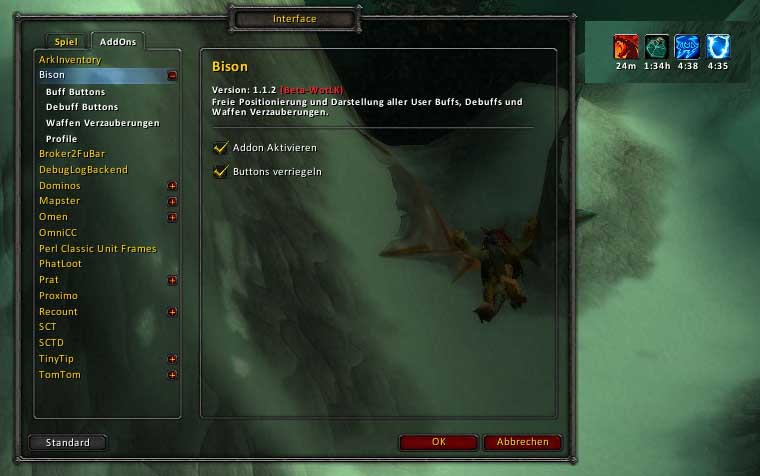
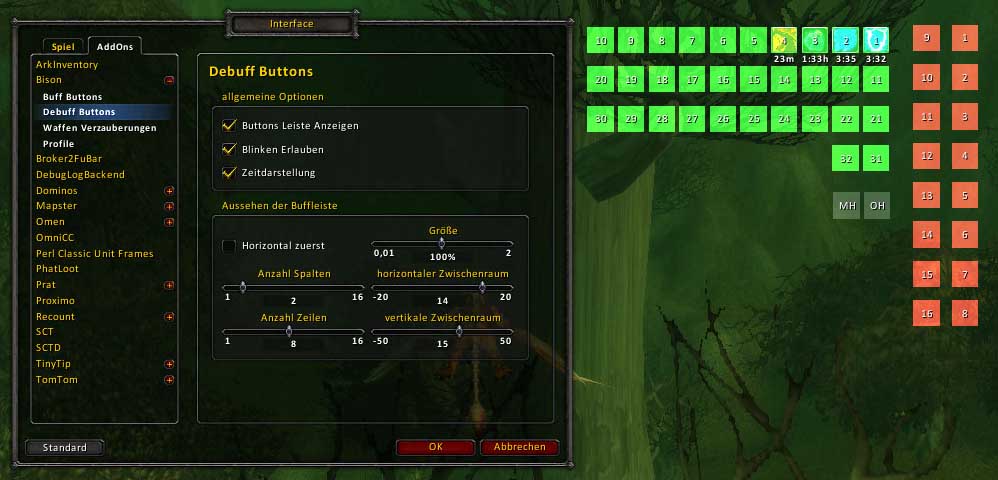
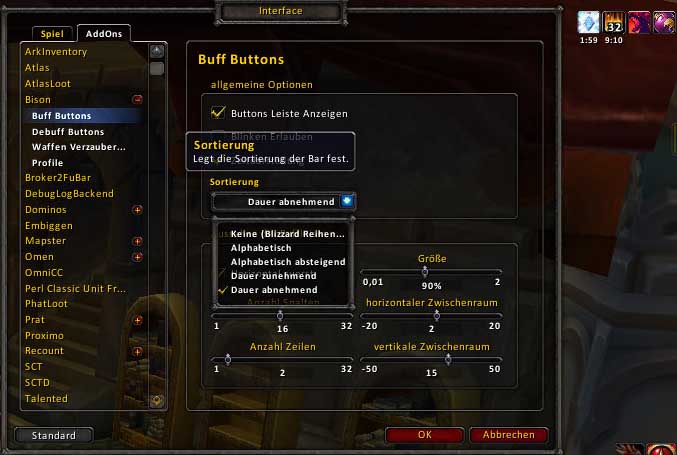
Customizing your buff display.
Features
- free position of all buff buttons
- support up to 40 buff buttons (the max size can be changed)
- individual selection of rows and cols for all buff bars
- individual selection of scale for all buff bars
- added ButtonFacade support
- added a first version of prog bar (spell id's can be shown on buff bar)
- added a small bar for combo points
Acknowledgement
The addon based on Nimbal Buffalo2.
Commands
/bison or /bi - open the configuration dialog for Bison
- lock - lock the buttons on the screen
- enable - enable or disable Bison
- for each bar: buff, debuff, weapon, hidden, prog
- show - show or hide the bar (default: show)
- timer - select the timer style for all bars (default: Bison style)
- flashing - enable flashing for all bars (default: enabled)
- scale value - the scale for the bar buttons (default: 100%)
- rows value - the rows for the bar
- cols value - the cols for the bar
- horizontal - the first direction for the bar buttons (default: horizontal)
- xPadding value - the horizontal space between the buttons (default: 5)
a negativ value change the direction of the bar
- yPadding value - the vertical space between the buttons (default: 15)
a negativ value change the direction of the bar
Now Bison use the same method like other addons by hijacking the Blizzard buff and debuff elements. So the cancel buff works well on these version.
I loved the addon SurgeTrack, but its dead. So I start my own surge bar :). I can not play all classes, so I inserted a limited count of temporary buffs. Blizzard show some of these as auras around the avatar. You can enable the spell id's on the buff bar, to find the id's of missing buffs (I need your help).
knowing addons with modules hiding buff frames
You should deactive the option for hiding Blizzard Buff/Debuff frames.
- Pitbull4 - Module "Hide Blizzard frames" (option 'Buff/Debuff')
- X-Perl - Module "Player Buffs" (folder 'Player' subframe 'Player Buffs' on top right)
- ShadowedUnitFrames - Module "Hide Blizzard" (option "hide buff frames", at last "/console reloadui")