promotional bannermobile promotional banner

Wardrobe-AL

Wardrobe-AL
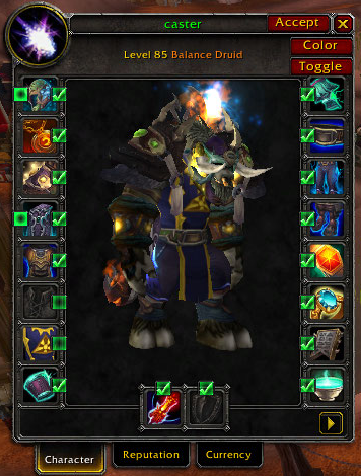
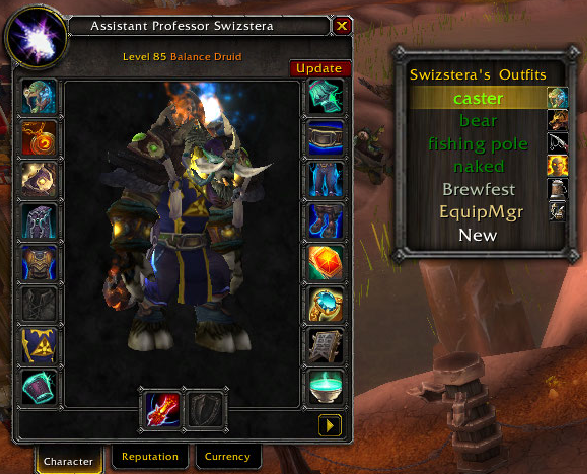
<p>Select items for equip in paperdoll frame</p>

Select items for equip in paperdoll frame

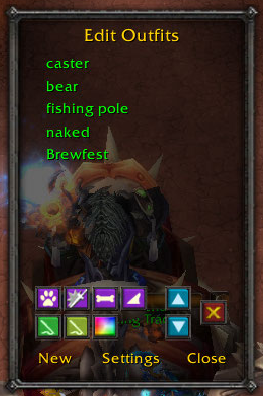
<p>Edit/reorder outfits. Assign triggers to outfits.</p>

Edit/reorder outfits. Assign triggers to outfits.

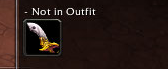
<p>Baggins plugin to show if an item is not in any outfits.</p>

Baggins plugin to show if an item is not in any outfits.

<p>Addon configuration settings</p>

Addon configuration settings

<p>Right Click dropdown menu</p>

Right Click dropdown menu

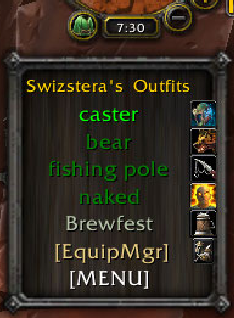
<p>Dropdown window from Titan Panel via databroker</p>

Dropdown window from Titan Panel via databroker

<p>Tooltip showing which outfit(s) an item belongs to.</p>

Tooltip showing which outfit(s) an item belongs to.

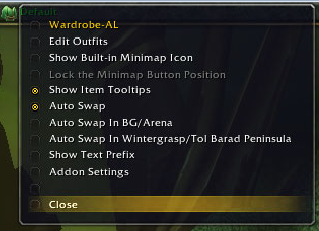
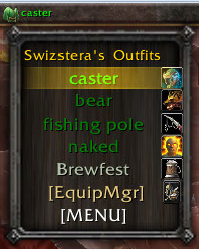
<p>Minimap button dropdown</p>

Minimap button dropdown

<p>Select outfit to configure</p>

Select outfit to configure

Description

Wardrobe allows you define up to 30 distinct equipment profiles (called "outfits") and lets you switch among them on the fly. For example, you can define a Normal Outfit that consists of your regular equipment, an Around Town Outfit that consists of what you'd like to wear when inside a city or roleplaying, a Stamina Outfit that consists of all your best  stam gear, etc. You can then switch amongst these outfits using a Databroker compatible plugin, using a small interactive button docked beneath your radar (Moveable), a simple slash chat command (/wardrobe wear Around Town Outfit), or define hotkeys in key configuration.

A tooltip is provided that shows if an item belongs to any outfits.

A Baggins category plugin is provided that will show if any items in your bags do not belong to any outfits.

The outfits defined in Wardrobe can be automatically synchronized with the in-game Equipment Manager.  Changes through Equipment Manager will be reflected in Wardrobe-AL as well.

Slash commands:

* /wd - help
* /wd list - List your outfits
* /wd wear <name> - wear <name> outfit
* /wd reset - erase all outfits
* /wd lock/unlock - For moving Button/Menu.
* /wd click/mouseover - For method of displaying menu.
* /wd scale [0.5-1.0] - For scaling the DropDown Menu.
* /wd auto 1/0 - Toggle auto-swapping


The Wardrobe-AL Team

profile avatar
  • 2
    Projects
  • 64.9K
    Downloads

More from swizstera

  • GearComparatorAI project image

    GearComparatorAI

    • 66
    • Addons

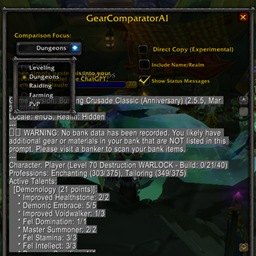
    GearComparatorAI bridges the gap between your in-game inventory and the analytical power of external AI models to provide precise gear and talent optimization for WoW Classic and TBC.

    • 66
    • April 4, 2026
    • Addons
  • GearComparatorAI project image

    GearComparatorAI

    • 66
    • Addons

    GearComparatorAI bridges the gap between your in-game inventory and the analytical power of external AI models to provide precise gear and talent optimization for WoW Classic and TBC.

    • 66
    • April 4, 2026
    • Addons